
Registration built for regulated audiences, from invite to badge
Generic registration tools treat an HCP like a conference-goer: no consent, no identity, no CRM. With Onomi, known HCPs RSVP in one click, unknown registrants pass validation, and arrival is a QR scan with the badge printed and the record updated.
Runs at congresses, standalone events, webinars, advisory boards, and everyday meetings today.
What registration looks like without it
Every registration page is an IT ticket
A new market wants a branded page with three extra fields, and the answer is a two-week ticket queue. So the market builds a survey tool form instead, and that data never comes back.
RSVP means a reply-all thread
Invitations go out from a shared mailbox, replies come back to whoever sent them, and the actual headcount lives in someone's head until the day before.
Check-in is a clipboard
The sign-in sheet gets typed up the week after. Walk-ins are scribbled in the margin, signatures are missing where transfer of value needed them, and the CRM hears nothing.
Registration data never meets the CRM
Who registered, who confirmed, who showed: three answers in three files, none of them on the HCP record where the field team could act on it.
How it works
Registration paths for regulated audiences
Known HCPs get a pre-filled, one-click RSVP; unknown registrants get a minimal public form with validation. Branching by registrant type asks each audience only its own questions, and capacity, waitlists, manual approval, domain exclusion, and multi-session or series registration are settings, not custom builds.
Branded registration sites without code
A drag-and-drop builder produces the branded registration site per event or per market, and journeys scale across markets without a developer in the loop. Where the entry point is your own portal, registration embeds or is created through the API, so the HCP never leaves your property.
Invitations that carry themselves
Rep-triggered invitations go out from the CRM, magic links log the HCP in without a password, and add-to-calendar keeps the date where the HCP lives. Reminders condition on attendance state, so confirmed, waitlisted, and absent registrants each hear the right thing, and admins get registration digests instead of pulling reports.
Arrival, captured at the door
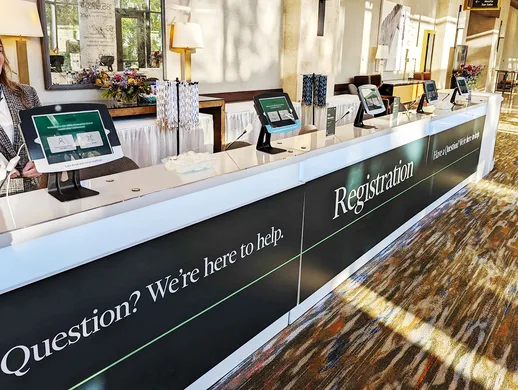
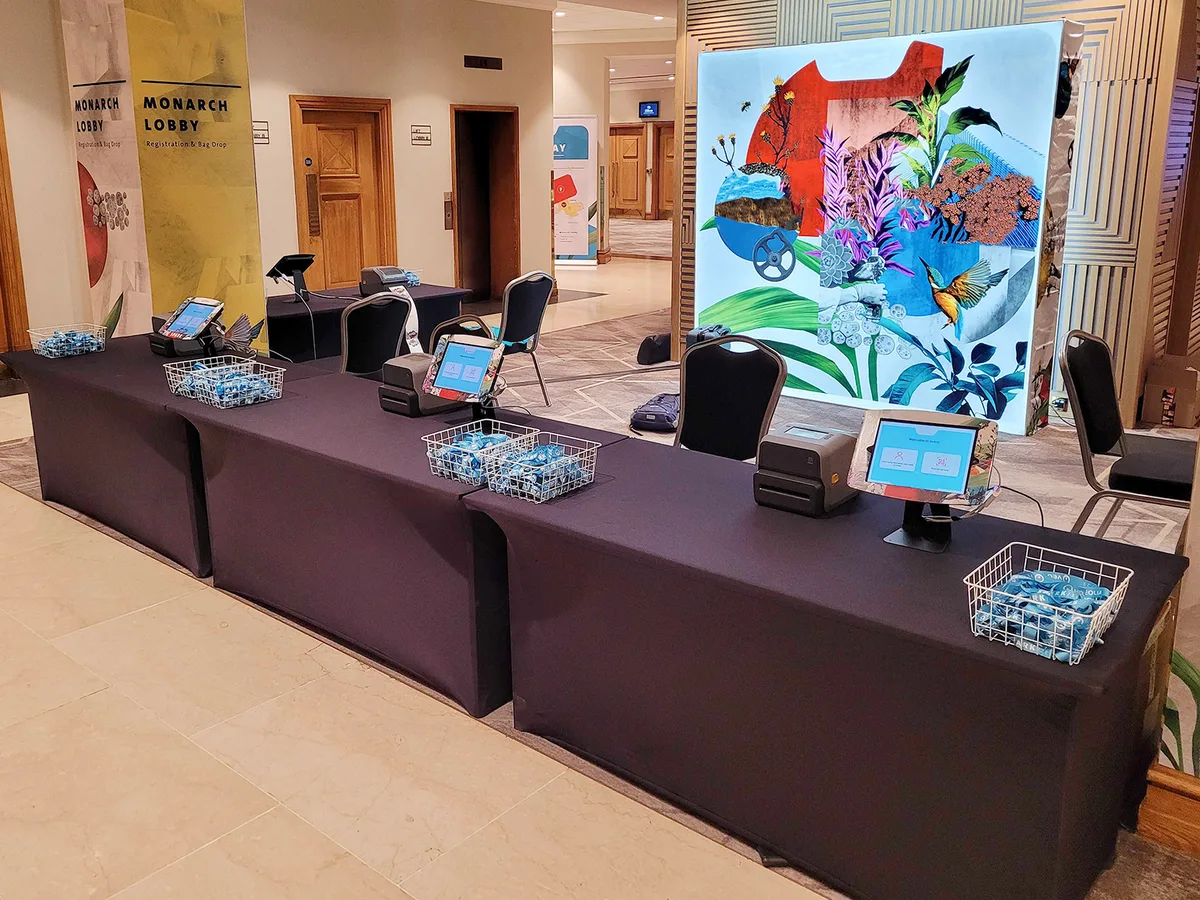
Check-in runs self-operated with a QR scan or name lookup, badges print on the spot, and a digital signature at the door covers transfer-of-value attestation where required. Session-level check-ins track rooms, live dashboards show arrival as it happens, and walk-ins and exceptions are handled at the desk, on the record.
Featured services
Software is half of it. These are the services our team delivers around this capability.
Onsite delivery teams
Trained event specialists run check-in and badge printing at your event, from equipment to exception desk, so your staff hosts instead of troubleshooting.
Delivery & services →Onomi Concierge
Registration sites, invitation flows, and reminder cadences built for you by our team, per event or as a managed program.
Delivery & services →24/7 support
Around-the-clock support for admins and registrants, including the hours right before doors open.
Delivery & services →Where this stops
Travel booking stays with your travel systems
Onomi captures travel needs with the registration and hands structured data to your travel management company and booking tools. The booking itself runs in your systems.
Registration can stay in Cvent
If corporate policy keeps registration where it is, Onomi integrates with it and owns the engagement layer and CRM write-back. Consolidating registration onto Onomi is an option, not a precondition.
"We already have Cvent for registration."
Keep it if policy says so. Onomi takes the registration feed and owns what generic tools do not: HCP identity, consent, engagement capture, and write-back to the CRM. Teams that later consolidate registration onto Onomi do it for fewer moving parts, not because they were forced.
Frequently asked questions
What hardware does badge printing need?
Two models: a delivery team arrives with the full check-in and badge printing setup and runs it, or the self-service kit ships to your event and your staff operates it after a short setup. Both print on arrival and write check-in to the record.
How are walk-ins handled?
At the desk: a walk-in is registered on the spot, resolved against your CRM and licensed data sources where possible, badged, and captured with consent. The record is flagged as a walk-in so downstream reporting can tell planned from spontaneous attendance.
What lands in the CRM after check-in?
Attendance as it happens: who checked in, when, to which sessions, with signatures where transfer of value requires attestation. Field teams see arrival in near real time instead of waiting for a typed-up sheet.
Can one event run several registration flows at once?
Yes. Registrant-type branching runs one-click RSVP for known HCPs and public validated forms for unknown registrants on the same event, each with its own fields, capacity rules, and communications.
Related pages
See arrival land on the HCP record while the event is running
In the demo, a registration travels the whole path: one-click RSVP, reminder, QR check-in, badge, signature, and the CRM record updating - the part the clipboard never did.
Request a demo